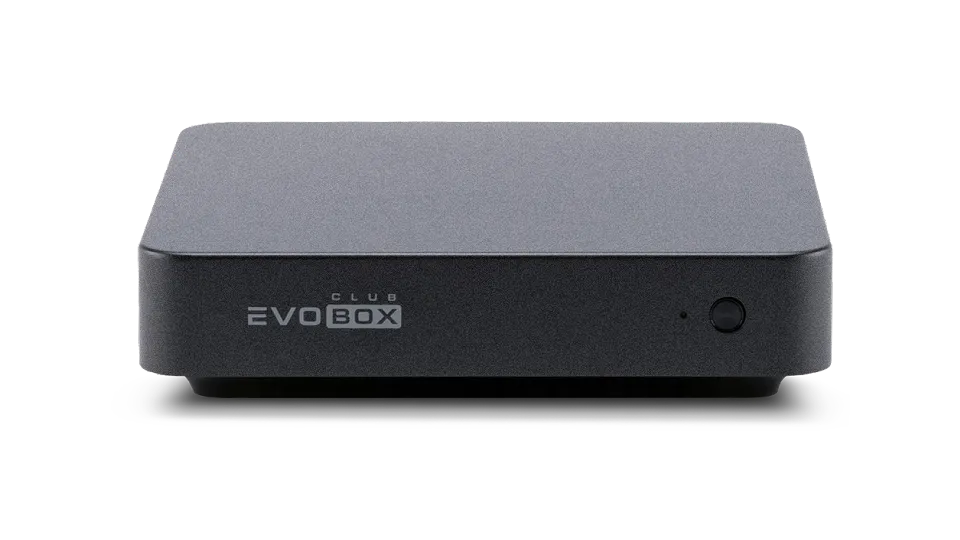
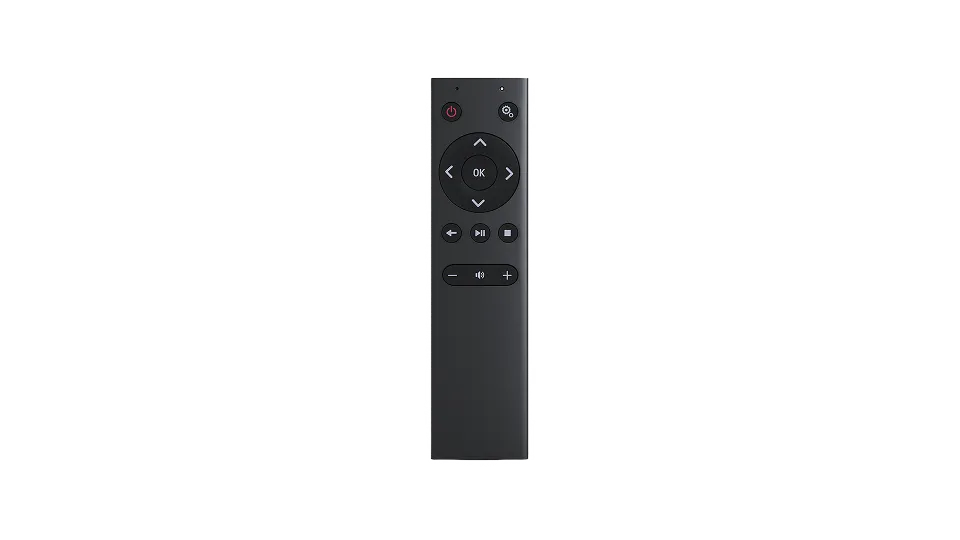
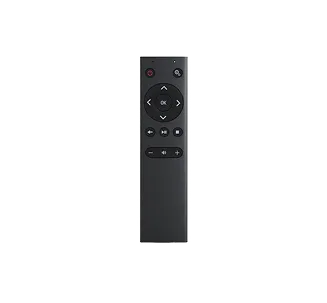
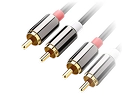
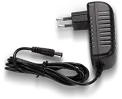
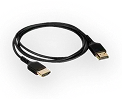
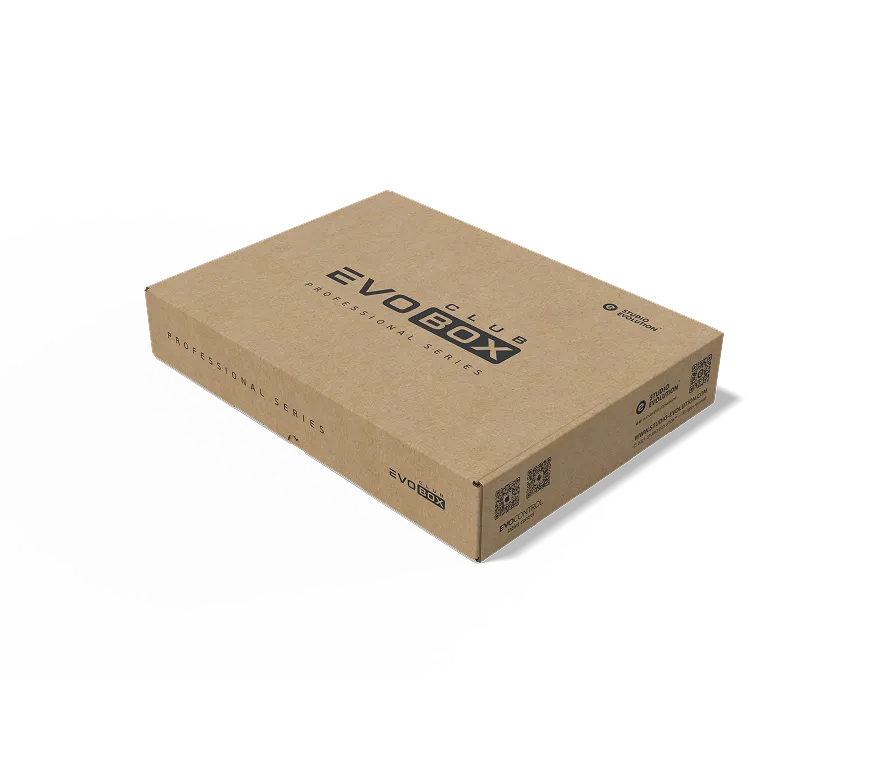
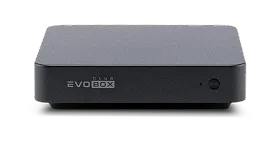
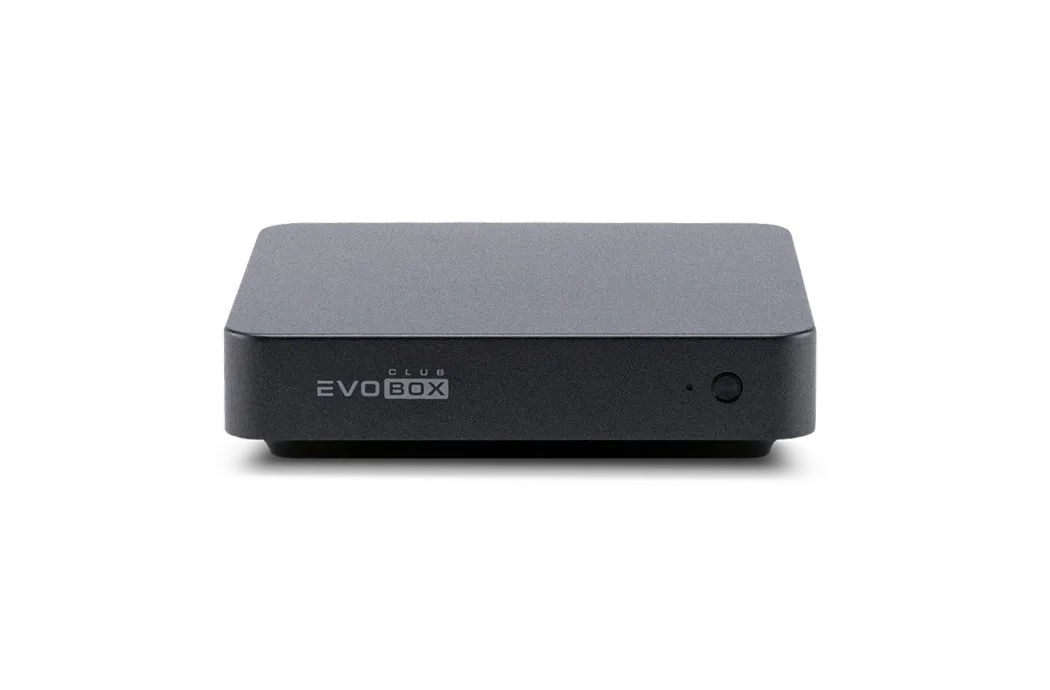
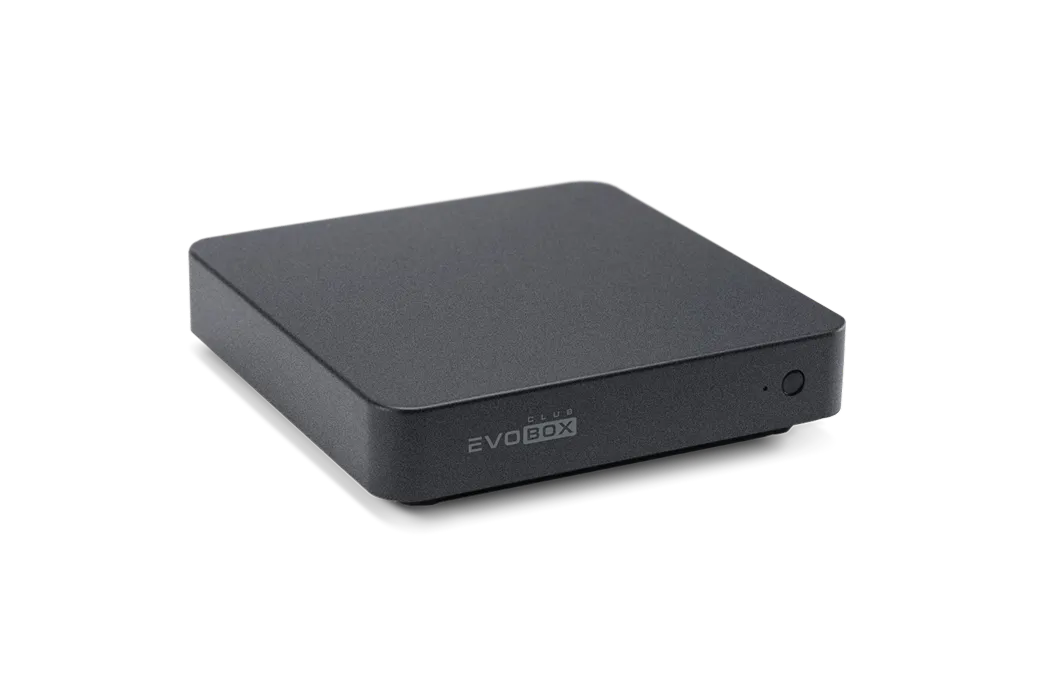
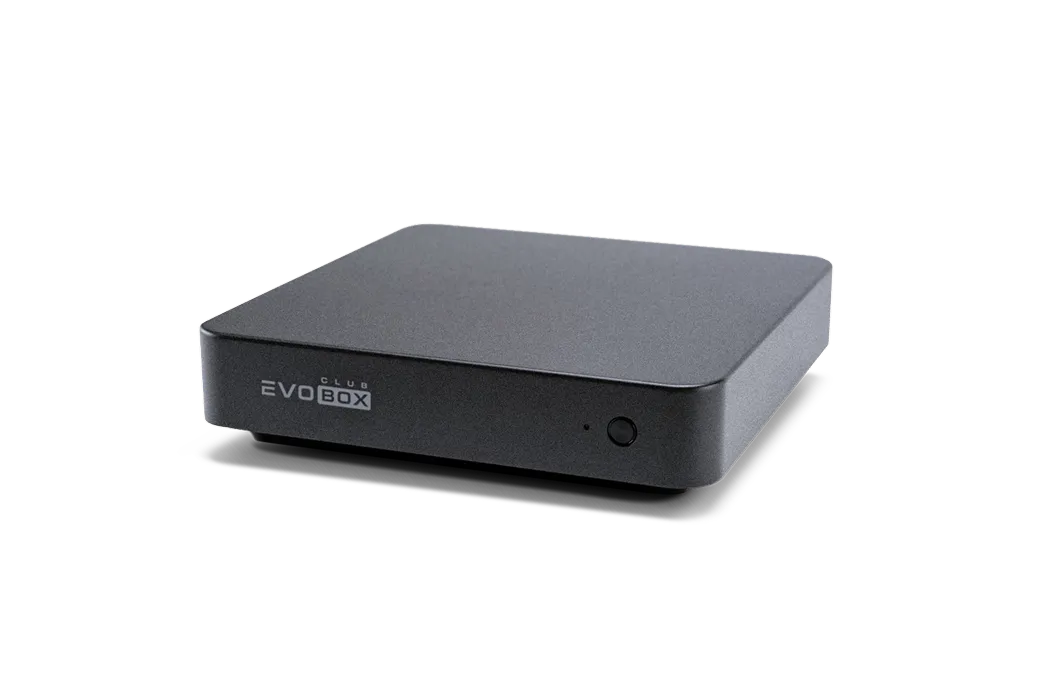
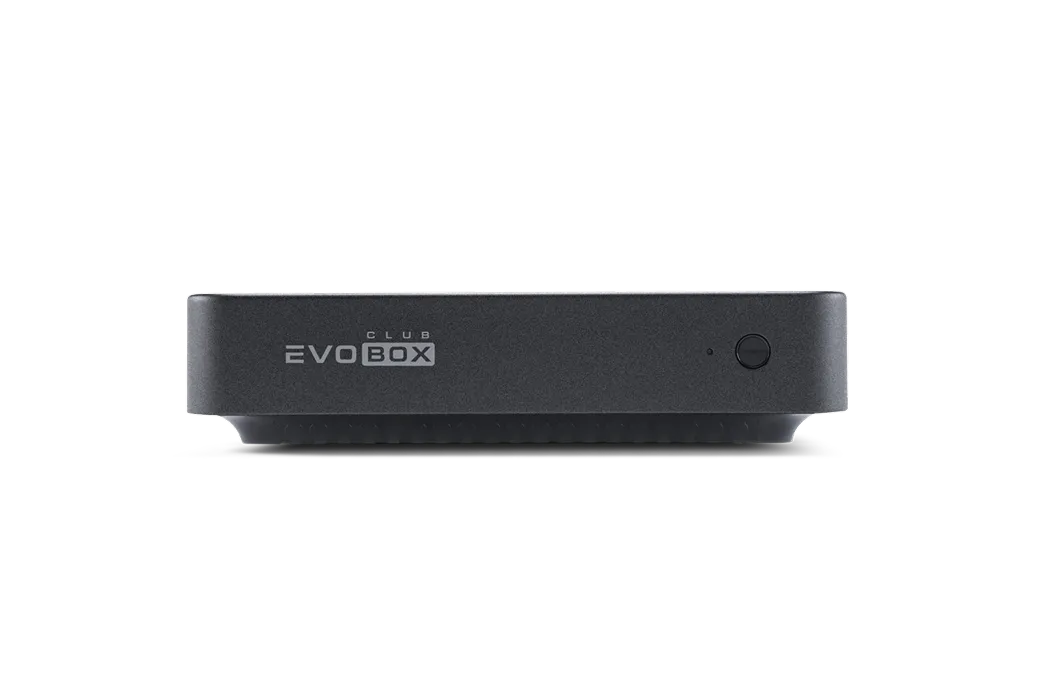
The EVOBOX Club karaoke system comes in a branded packaging. Inside you will find everything you need to connect the karaoke system to video and audio equipment.
Karaoke system EVOBOX ClubBluetooth remote control
Audio Cable 2RCA–2RCA
Power supply
AAA batteries, 2 pcs
HDMI cable
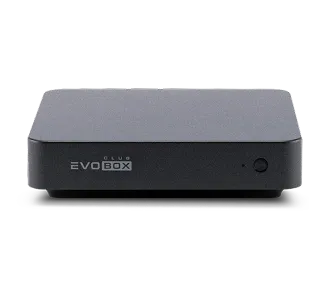
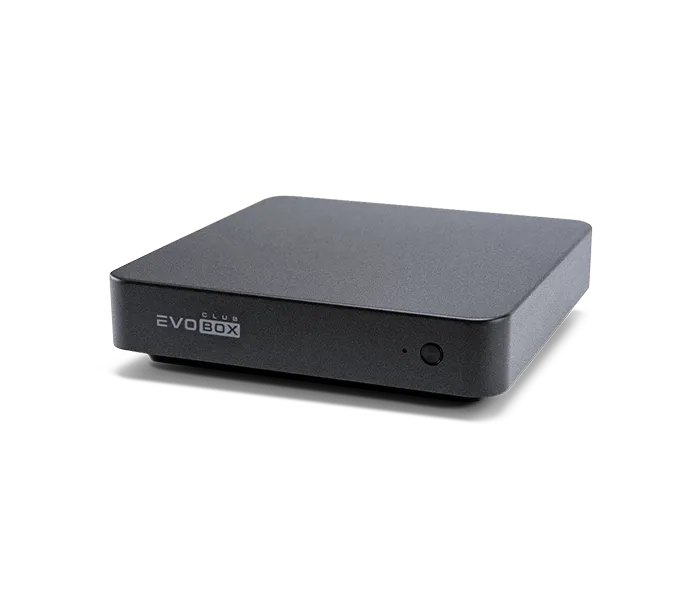
Karaoke system EVOBOX Club
Bluetooth remote control
Main features
All-in-One Device
Advertising Blocks
Lifetime Extended Warranty
Professional vocal effects for your guests
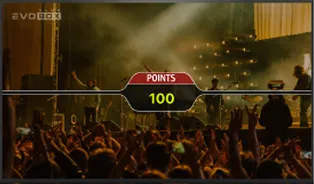
Smart scoring system
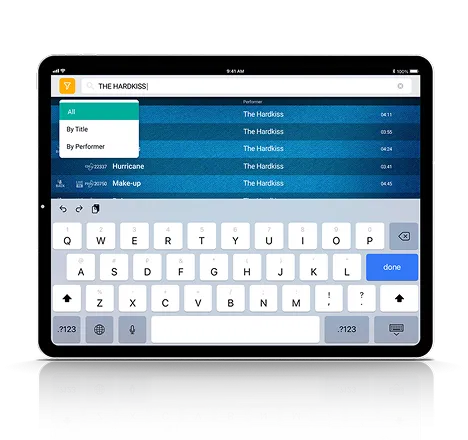
Easy-to-use touchscreen catalog
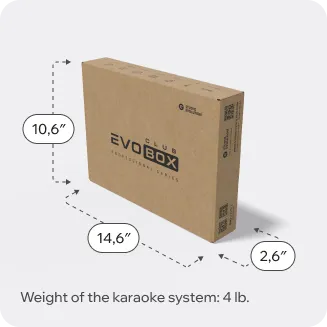
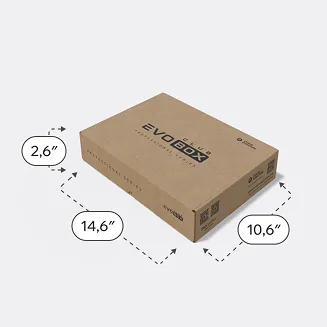
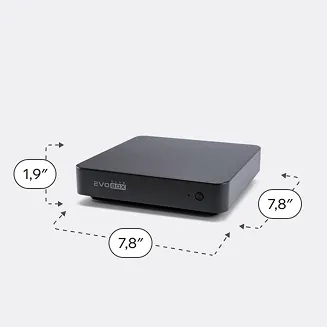
Sizes and weight
In the box
2,6″
14,6″
10,6″
Weight of the karaoke system in the box: 4 lb.
Without box
7,8″
1,9″
7,8″
Weight of the karaoke system without the box: 2 lb.
Technical Specifications
Color and case
Case Color:
Black
Body Material:
Aluminum alloy
Audio inputs
Microphone inputs:
Balanced TRS 6.3 (Jack) (5), 2 pcs.
Maximum gain on Microphone Input:
32.5 dB
Maximum input amplitude:
+0.14 dBu (0.788 Vrms)
Input signal-to-noise ratio:
-102 dB (A-weighted)
Dynamic range:
95.7 dB
Harmonic distortion + noise:
0.0011 %
Frequency band:
(+/- 0.5 dB) 50 Hz — 20 kHz
Mutual penetration of channels:
-95.3 dB
Input impedance:
25 kOhm
Video
Maximum video resolution:
4K UHD (3840 × 2160)
Supported file formats
Video:
MP4, MKV, WEBM, TS
Sound:
WAV, OGG, MP3
Graphic:
PNG, JPG, JPEG
Connectors and interfaces
Supports Wi-Fi 802.11ac. Dual-band operation (2.4 GHz and 5 GHz)
Bluetooth 4.1 Low Energy
HDMI 2.0
USB Type-A, 2 pcs.
Gigabit LAN (RJ45)
Power Connector
Storage devices
HDD capacity:
1 TB
System
Processor:
Quad-Core Cortex-A53
RAM size:
DDR4 2 GB
Graphics subsystem:
Mali-T820 MP3 GPU
Other
Feeding:
12 V / 2 A
Power consumption:
24 W
Operating temperature range:
0–50 ºC
Control
EvoControl
EvoControl
Installs on iPad and Android tablets*. Used to control EVOBOX Club, Evolution Pro2 club karaoke systems and home karaoke systems.
The app allows you to search for and play songs, adjust vocal effects and phonograms, and control the playback queue.
Bluetooth remote control
Bluetooth remote control
The Bluetooth remote control is included in the standard EVOBOX Club package and is necessary for the first launch of the system: selecting the language, time zone, and setting up an Internet connection. The buttons and joystick are used to navigate the interface to change any settings in the settings menu. The remote control is also used to sign up for and pay for a subscription.
* Make sure your tablet meets the technical requirements:
Android
Manufacturers: ASUS, Lenovo, Samsung.
RAM: minimum — 2 GB, recommended — 4 GB.
Display diagonal: from 8 inches.
Version: 9.0 and above.
Google Play support.
Wi-Fi module required.
iPad
iOS version: 15.0 and above
Connecting EVOBOX Club
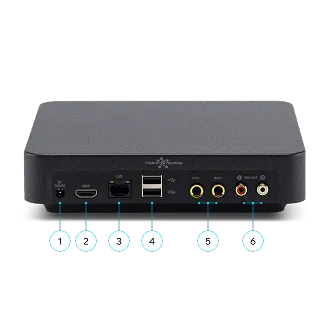
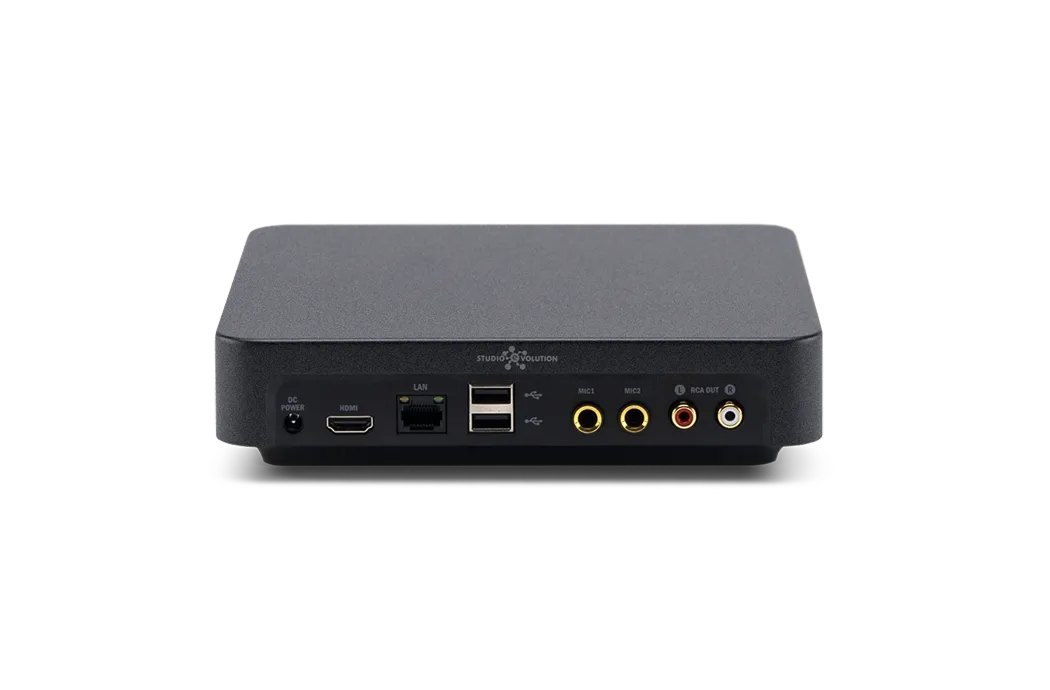
Back side of EVOBOX Club
1 Power connector
To connect the power supply.
2 HDMI 2.0
Connecting a TV or projector.
3 Gigabit LAN (RJ45)
Internet connection
4 USB Type-A, 2 pcs.
Connecting a USB flash drive: downloading performance recordings from the karaoke system, as well as uploading photos/videos and music to the karaoke system.